Documentation tools

Curated directory of Documentation software for AEC teams. 35 published tools.

Overview

This directory lists 35 published Documentation tools for architecture, engineering, and construction teams. When you compare products in the Documentation space, you are usually trying to reduce rework, standardize deliverables, and keep project data consistent from design through construction.

Documentation software overlaps with several adjacent workflows. Some teams need lightweight adoption, others need deep integrations with BIM authoring tools, Common Data Environments, and enterprise identity providers. Start by documenting your minimum outputs, required formats, and who owns data at handover.

Use the listings below to compare vendors at a glance, then validate licensing, support regions, onboarding timelines, and whether a product matches your delivery method. If a tool offers a pilot, budget time to test your real project templates and naming standards, not just sample data.

Bookmark Documentation tools that match your stack today, and re-check pricing models as your portfolio scales. BIM Tools Hub focuses on factual listings so you can shortlist faster and spend meeting time on solution design instead of basic discovery.

Explore 35 tools

All 35 Documentation tools

  • Acelab

    Acelab is a building product research and specification platform for architecture and construction teams that centralizes firm material

  • Archicad

    Archicad is Graphisoft's native BIM authoring environment for architecture and allied disciplines that connects parametric modeling to

  • Autotag by Bimrock AI

    Autotag by Bimrock AI is a Revit add-in for MEP documentation that applies saved tagging profiles across views with overlap-aware placement

  • Bluebeam

    Bluebeam is a PDF-centric construction collaboration suite built around Bluebeam Revu on Windows plus matching web and mobile viewers,

  • Blueprints AI

    Blueprints AI is a web-based AI construction documentation platform that turns sketches, photos, PDFs, DWG, DXF, Revit, FBX, point clouds,

  • Calcs.com

    Calcs.com is structural engineering calculation software that provides standards-aligned calculators, transparent code references, PDF

  • Cogram

    Cogram is an AI-native project platform for architecture and engineering that automates meeting minutes, RFIs and submittals, field reports,

  • Contract Management by Procore

    Contract Management by Procore is a commitments and billing module for construction that centralizes subcontracts, purchase orders, progress

  • Datagrid

    Datagrid is an agentic AI workspace for construction and infrastructure teams that connects drawings, specs, schedules, and email so

  • Document Crunch

    Document Crunch is a web-based construction contract and specification intelligence platform that uses AI-assisted review so general

  • D.TO (Design Together)

    D.TO (Design Together) is a Revit-integrated design platform that delivers AI-assisted building assembly guidance, construction detailing,

  • Edificius by ACCA software

    Edificius by ACCA software is a Windows-first 3D BIM building design suite that combines architecture, interior work, terrain and landscape,

  • Firmus

    Firmus is a preconstruction software product that applies AI to PDF construction drawing sets for early risk detection, issue tracking, and

  • First Rule Contract Manager

    First Rule Contract Manager is a construction-focused contract platform that pairs AI-assisted review with training and workflow tools so

  • Flowcase

    Flowcase is a cloud resume, CV, and case study platform for professional services and AEC firms that keeps people and project data

  • FreeCAD

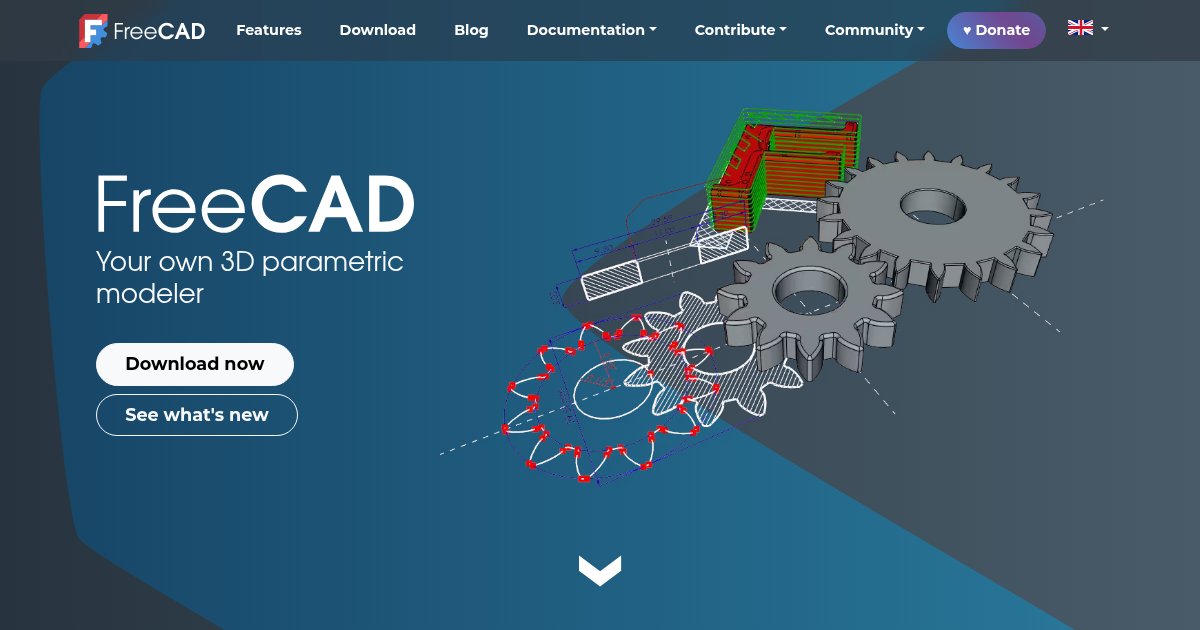
    FreeCAD is an open-source parametric 3D modeler whose integrated BIM Workbench authors buildings with native IFC editing through

  • Glyph by EvolveLAB

    Glyph by EvolveLAB is a Revit plugin that automates documentation production (views, sheets, tagging, and dimensioning) so teams can run

  • Hardline

    Hardline is a voice-first field documentation app for construction that turns jobsite phone calls into timestamped, shareable job updates so

  • InspectMind

    InspectMind is a Y Combinator-backed AI platform that reviews construction drawings, specifications, and submittals for errors, code

  • Marked Up

    Marked Up is a web-based quality check assistant for construction drawing sets that applies a vision-language model to highlight plan issues

  • Morpholio Trace

    Morpholio Trace is an iPad and iPhone sketching and CAD-markup app that combines Apple Pencil drawing with scaled grids, PDF sheet markup,

  • Naviate for Revit by Symetri

    Naviate for Revit by Symetri is a modular Revit add-in family that adds discipline-specific automation, batch documentation, IFC-oriented

  • OpenAsset

    OpenAsset is a digital asset management and proposal platform built for architecture, engineering, and construction teams that centralizes

  • OpenBuildings Designer

    OpenBuildings Designer is Bentley Systems multidiscipline BIM authoring software that combines architectural, mechanical, electrical, and

  • Parspec

    Parspec is a web-based operations platform for MEP distributors and manufacturer representatives that combines AI-assisted product

  • Provision

    Provision is a web-based pre-construction platform that reads drawings, specifications, contracts, RFIs, and addenda together and returns

  • Quire

    Quire is a cloud Technical Report Management (TRM) platform that unifies template-based report authoring, automated workflows, mobile field

  • ReMark

    ReMark is a free Autodesk Revit add-in by LezSoft that assigns progressive values to the Mark parameter across selected categories, with

  • RTV Xporter

    RTV Xporter is a Revit add-in that automates batch printing and file export to PDF, DWG, DWF, DWFx, DXF, and IFC, with parametric file

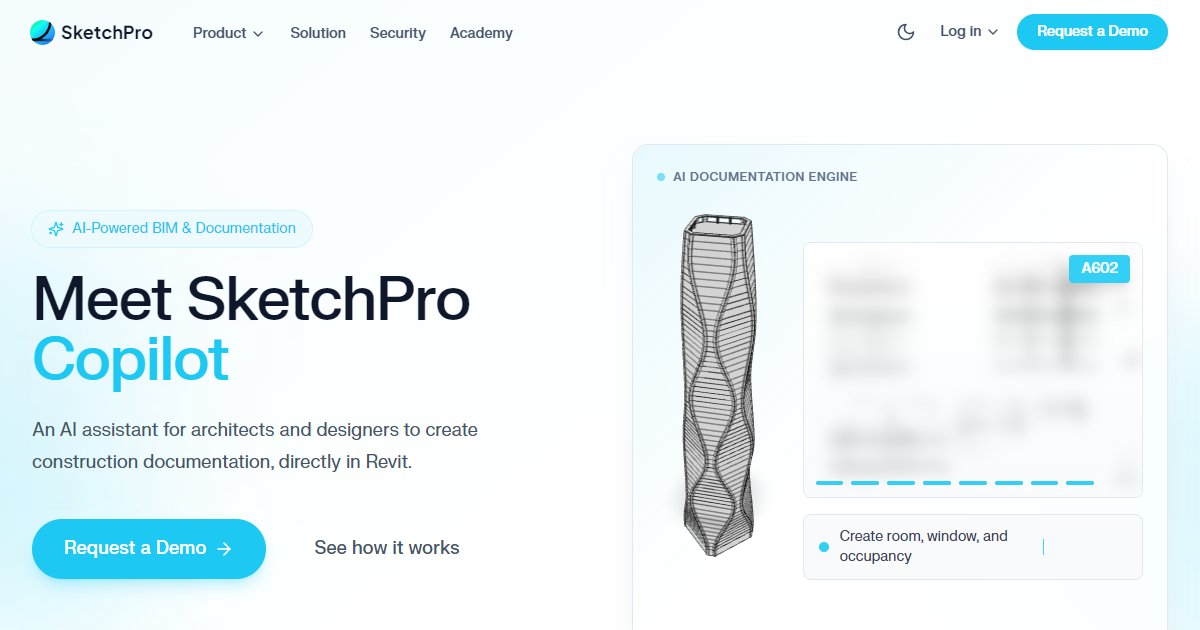
  • SketchPro Copilot

    SketchPro Copilot is a Revit-embedded AI assistant that helps architects and engineers produce construction documentation through guided

  • Specbook AI

    Specbook AI is construction specification software that uses AI to review specification books, drawings, and submittals so teams can catch

  • Structured AI

    Structured AI is an AI-assisted construction drawing QA/QC platform that reviews multi-discipline PDF sets and Revit models to flag

  • SWAPP

    SWAPP is a services-backed AI platform for architecture offices that automates construction documentation and BIM modeling tasks by learning

  • Trimble RealWorks

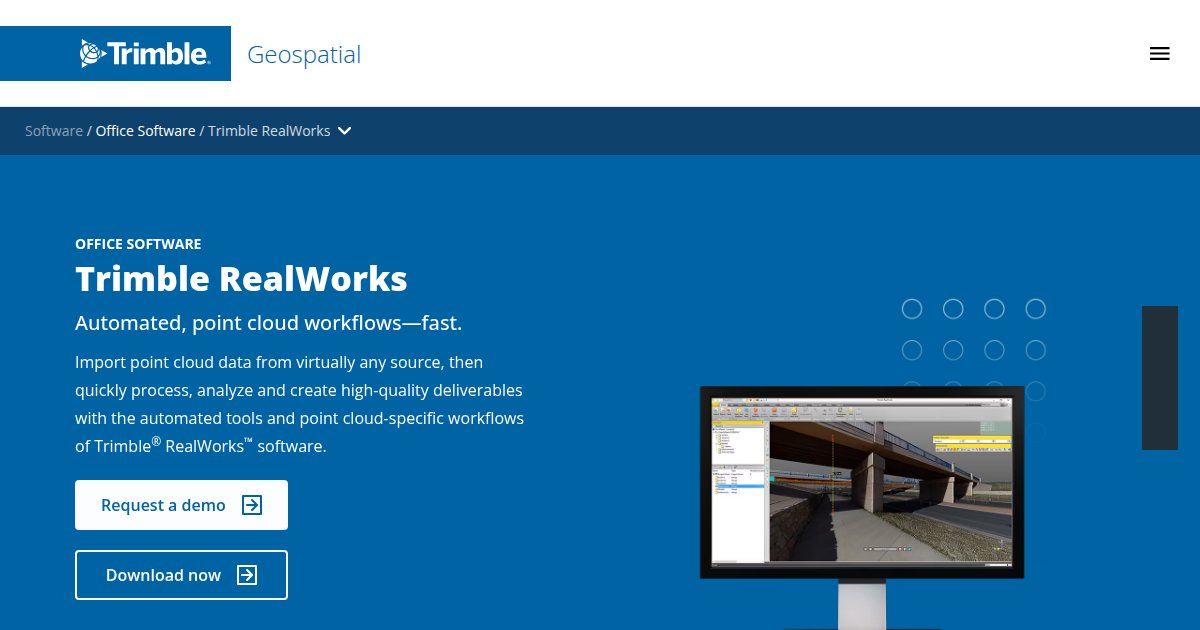
    Trimble RealWorks is Windows office software for registering, analyzing, and modeling 3D point clouds from laser scanners and other sources,

  • Vectorworks Architect

    Vectorworks Architect is a cross-platform BIM authoring application from Vectorworks, Inc. that combines 2D drafting, Parasolid-based 3D
Frequently asked questions

What are Documentation tools used for in AEC projects?

Documentation tools help teams plan, execute, and review work that sits in this part of the BIM and construction lifecycle. Typical outcomes include clearer handoffs, fewer duplicate tasks, and better traceability when issues show up in the field or during design coordination. The exact workflow depends on your contract type, delivery model, and whether you work mostly in design, construction, or operations. Use this category as a starting map: compare vendors, read excerpts, and shortlist products that match the file formats, platforms, and collaboration rules your project already uses. With 35 listings in this category on BIM Tools Hub, you can compare breadth before you invest time in deeper demos.

How should we evaluate pricing for Documentation software?

Start by separating seat-based costs from data, storage, API usage, and premium support. Many AEC products bundle core features in a base tier, then charge for advanced automation, enterprise SSO, or additional project workspaces. Ask vendors how renewals work, whether archived projects stay billable, and if partner integrations carry separate fees. If procurement needs predictable annual spend, look for published list prices or transparent plan grids. When pricing is quote-only, request a written scope that names user counts, environments, and SLAs so you can compare apples to apples across Documentation tools.

Which platforms and file formats matter most for Documentation tools?

Confirm desktop versus web clients, mobile needs for site teams, and whether offline work is required. For BIM-heavy categories, IFC, RVT links, DWG, PDF, and BCF-style workflows still appear constantly, but your stack may also rely on spreadsheets, GIS exports, or proprietary model servers. Check how each tool handles large models, permissions on shared folders, and audit trails for approvals. If you standardize on a single Common Data Environment, validate certified connectors and supported authentication methods. Strong compatibility statements reduce surprises after purchase when real project data hits the system.

How do Documentation tools fit next to design and coordination software?

Most teams do not replace their core authoring platform when they adopt a Documentation product. Instead, they connect schedules, quantities, site observations, or analytics back to the model and the contract documents. Look for APIs, native integrations, and clear ownership of the golden thread: who publishes updates, who consumes them, and how clashes are resolved when two systems disagree. Pilot with a representative work package so you can see how notifications, versioning, and reporting behave under real project pressure, not just demo data.

What is a practical shortlist process for Documentation vendors?

Begin with must-have requirements, then narrow to five or fewer vendors. Run a scripted demo that includes your templates, naming standards, and a sample RFIs or submittals path if relevant. Capture security answers early, especially data residency, backups, and access reviews. Ask for customer references in your region and sector, and read update cadence notes so you know how often the vendor ships fixes. BIM Tools Hub is built to speed up discovery: use excerpts and structured fields here, then move detailed diligence to trials and vendor questionnaires.

How often should we revisit Documentation tooling across a program?

Revisit your stack at major phase gates, after significant scope changes, and when new owners join the project. Even stable categories shift as file sizes grow, cloud policies tighten, and clients demand new deliverables. Keep a simple decision log that records why a tool was chosen, what success metrics you track, and what would trigger a change. When counts change, this hub updates listings over time: recheck Documentation periodically so your playbook stays aligned with the market and with 35 current options in this category.