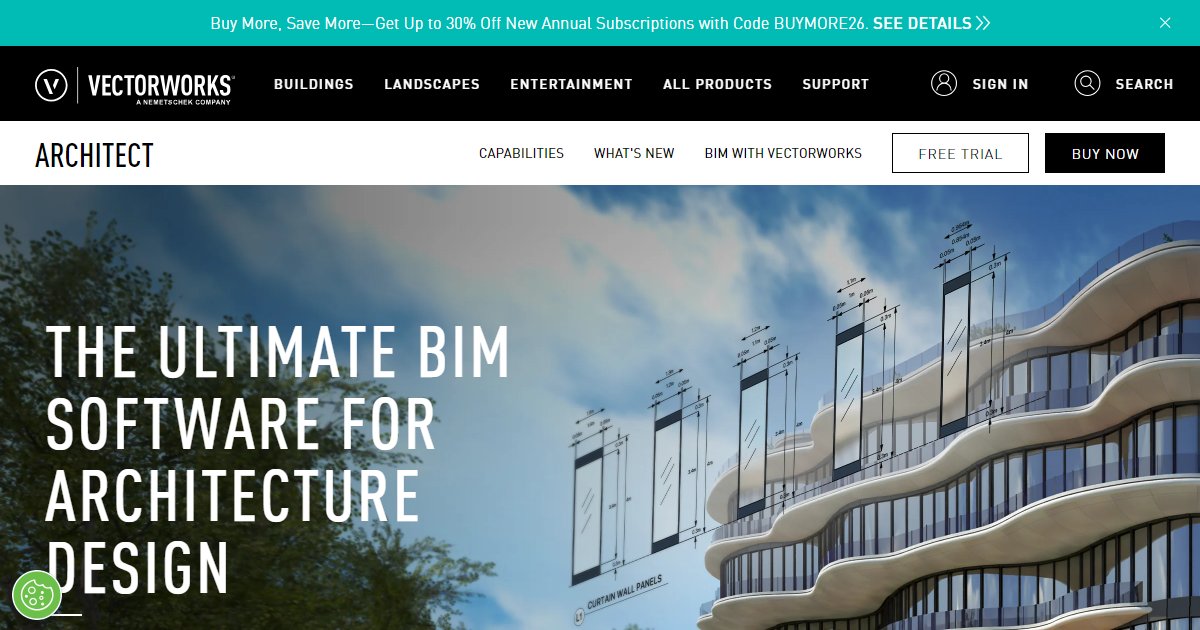
Vectorworks Architect
Vectorworks Architect is a cross-platform BIM authoring application from Vectorworks, Inc. that combines 2D drafting, Parasolid-based 3D modeling, schedules and energy-style analytics, IFC openBIM exchange, and construction documentation that stays linked to the model.

Vectorworks Architect targets architects who want one environment for early massing, detailed BIM development, and sheet production without constant exports. Workflows move from pre-design site context through schematic layouts, design development quantities, and CD sets where viewports read live model data.
Marketing materials highlight Siemens Parasolid as the modeling kernel behind free-form solids plus a broad set of default import and export connectors to Revit, SketchUp, Rhino, IFC, and common graphics tools (Vectorworks Architect product page, 2026). That stack matters when consultants insist on round-tripping meshes, worksheets, or visualization packages alongside structured BIM data.
Information-rich objects feed schedules, cost-style takeoffs, and energy-oriented studies early enough to influence massing decisions rather than post-auditing finished models. Cloud Services add online publishing and shared rendering jobs so reviewers can see packaged models without installing the desktop app.
Optional Maxon Redshift integration brings GPU-heavy real-time previews inside the same file designers already annotate. Licensing follows Vectorworks??? perpetual-plus-service or subscription channels depending on region, so confirm maintenance, version upgrade rights, and network deployment rules with your reseller before you standardize templates.
Specifications
Pricing
Platforms
Used for
Used by
Tasks
Pros and cons
Pros
- Balances freehand design culture with structured BIM data
- Strong interoperability story across CAD, BIM, and media pipelines
- Cross-platform parity helps mixed Mac and Windows studios
- Cloud publishing reduces friction for owner reviews
Cons
- Advanced MEP or structural depth may still need partner applications
- Rendering and cloud features can add subscription or GPU costs
- Template migration from legacy CAD standards takes deliberate planning
- Regional pricing bundles require reseller confirmation
Key features
Phase-based BIM templates: Structured guidance from pre-design through construction documentation inside one file paradigm.
Parasolid modeling core: Supports free-form solids and precise drafting in the same session.
OpenBIM connectivity: Native emphasis on IFC exchange plus direct links to common AEC authoring and viz tools.
Worksheets and data tags: Drive schedules, quantities, and reporting straight from intelligent objects.
Vectorworks Cloud Services: Publish models, panoramas, and shared processing jobs for remote reviewers.
Redshift rendering option: Adds real-time GPU previews when the optional Maxon integration is licensed.
Pricing
Free trial
trial
Free
Vectorworks advertises time-limited trials via customers.vectorworks.net; confirm regional eligibility.
Commercial license
per year
Free
Perpetual and subscription mixes vary by country; request a quote for network licenses or Service Select maintenance.
Frequently asked questions
Does Vectorworks Architect run on Mac?
Vectorworks historically ships macOS and Windows builds with feature parity for core BIM tasks. Verify Apple silicon compatibility and graphics driver notes for your OS version before large deployments.
Can Vectorworks exchange IFC models?
Yes. Product messaging stresses openBIM workflows with IFC import and export for consultant coordination. Always test property mappings on a reference project because external tools interpret psets differently.
Is there a free trial?
Vectorworks promotes trial downloads through its customer portal. Trials usually watermark output or expire after a fixed term, so read the license dialog before using trial files on fee-paying projects.
How does Vectorworks compare to Revit for documentation?
Vectorworks emphasizes hybrid 2D/3D control and creative modeling, while Revit leans on strict parametric families. Pick Vectorworks when teams need illustration-grade graphics and flexible solids; pick Revit-heavy workflows when the entire supply chain mandates Autodesk libraries.
What is Vectorworks Cloud Services?
Cloud Services host shared rendering, web viewing, and file exchange tasks so external stakeholders can comment without the desktop app. Bandwidth, storage, and entitlement tiers depend on your service plan.
Can students use Vectorworks Architect?
Vectorworks operates education licensing with separate download paths. Academic files may carry restrictions, so confirm eligibility before deploying on studio-owned machines.