qbiq
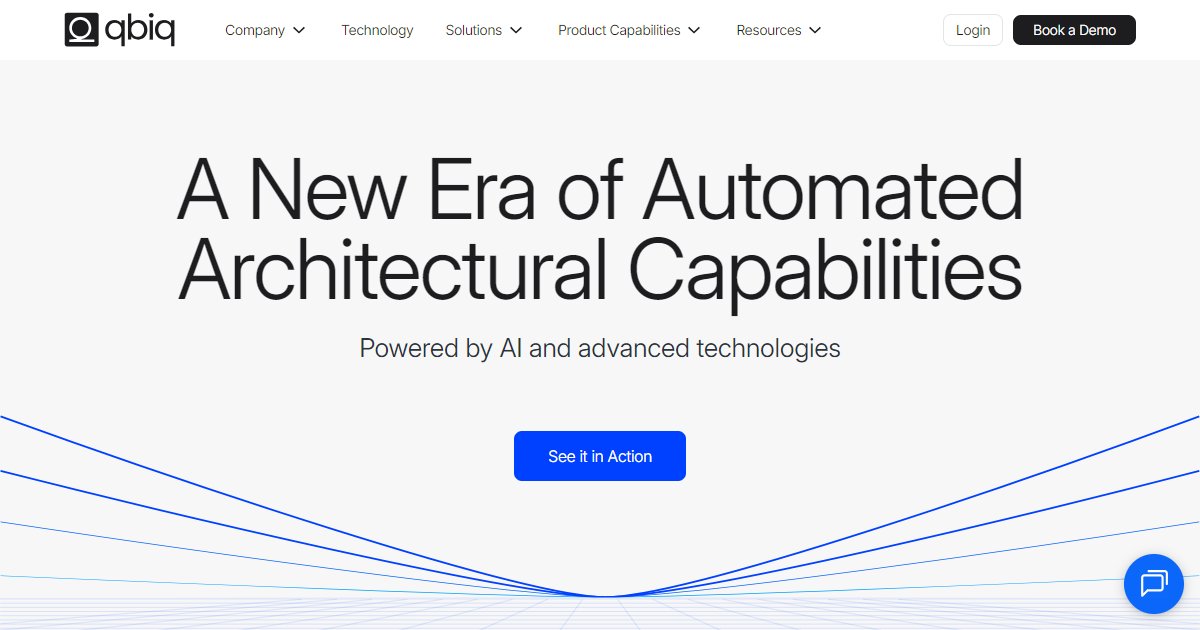
qbiq is a web-based AI space planning and visualization platform for commercial real estate and architecture teams that turns uploaded CAD, PDF, or image plans into test-fit layouts, rendered tours, marketing visuals, and optional Revit or CAD exports with in-house architect review on described workflows.

qbiq targets landlords, tenants, brokers, and design firms that need fast architectural planning outputs for leasing and workplace decisions, positioning the product as AI-assisted yet checked by internal architects on workflows described in public marketing pages (qbiq, 2025). The homepage advertises a short end-user flow: upload a plan, define a program (or accept AI-suggested inputs), apply themes and finishes, then receive a packaged set of deliverables that can include floor plans, rendered images, virtual tours, quantity takeoff-style inventories, and comparative analytics.
Company metrics on the main marketing site include more than 650 million square feet delivered to clients, billions of square feet created in aggregate, more than 11,000 fly-throughs rendered, and service across 62 countries, alongside claims such as shortening deal cycles by more than 40% and raising planning capacity by more than 300% in promotional copy (qbiq, 2025). The About page adds context that the company has worked on automated architectural planning since 2019 and has processed more than one billion square feet of space in total (qbiq, 2025).
Capability pages spell out modules for multi-floor planning, program generation, themes and finishes, rendered tours and still images, Revit and CAD model generation, quantity takeoff, area calculation, admin controls, iteration requests marketed with a 24-hour turnaround statement, and a marketing suite for embeddable packages (qbiq, 2025). Case studies hosted by qbiq describe tenant-specific outcomes for named clients; treat those stories as illustrative until you validate scope inside your own pilot.
Pricing is not published as a simple public rate card on the pages reviewed here; the site steers prospects toward booking a demo and enterprise-style conversations (qbiq, 2025). Expect role-based onboarding, workspace administration, and contractual terms to vary by portfolio size and region.
Specifications
Pricing
Platforms
Used for
Used by
Tasks
Pros and cons
Pros
- Bundles planning, visualization, and analytics in one SaaS story aimed at deal velocity, not only static drawings.
- Public metrics and named enterprise testimonials give procurement teams third-party talking points for pilots.
- Capability pages break modules into readable chunks so buyers can map features to RFP language.
Cons
- No transparent list pricing on the reviewed marketing pages; budget conversations likely require sales.
- Heavy CRE and workplace framing; teams outside office or retail-style fit-outs should validate fit with the vendor.
- AI-assisted outputs still need professional judgment; marketing copy notes architect review but your QA process remains essential.
Key features
Upload-first workflow: Accepts CAD, PDF, or JPEG base plans before program definition and theming.
Stacked deliverables: Markets floor plans, rendered tours, still renders, data comparisons, and optional BIM-friendly exports in one package.
Revit and CAD generation: Describes structured, editable models for documentation and downstream BIM use when that module is purchased.
Quantity takeoff and materials: Promotes inventories tied to plans or tours with supplier and cost fields configurable in product messaging.
Tenant and portfolio angles: Positions solutions for landlords, service providers, architects, and corporate occupiers with an admin interface for permissions and usage tracking.
Pricing
Enterprise (vendor quoted)
Contact sales
List pricing is not shown on the public marketing pages summarized here; obtain a written quote from qbiq.
Frequently asked questions
Does qbiq export to Autodesk Revit?
The vendor markets a Revit and CAD model generation module that promises structured, editable models for documentation workflows (qbiq, 2025). Confirm file fidelity, LOD expectations, and licensing with qbiq before you rely on exports for permit submissions.
Can qbiq start from a PDF or image instead of CAD?
The homepage workflow explicitly allows uploads in CAD, PDF, or JPEG before program definition (qbiq, 2025). Ask the vendor how vector PDFs versus scans affect accuracy and turnaround for your property type.
How much does qbiq cost per month?
Public marketing pages reviewed for this listing emphasize demos and enterprise engagement rather than a posted per-seat price (qbiq, 2025). Request a formal quote and clarify whether modules such as quantity takeoff or Revit export are bundled or priced separately.
Is qbiq only for office space?
Much of the site language targets office leasing and workplace scenarios, including test fits and marketing tours (qbiq, 2025). If you handle labs, industrial, or highly regulated programs, validate templates, code checks, and architect review scope with qbiq directly.
What statistics does qbiq publish about adoption?
The main landing page cites more than 650 million square feet delivered, billions of square feet created, more than 11,000 rendered fly-throughs, and presence in 62 countries, plus deal-cycle and capacity improvement percentages in promotional text (qbiq, 2025). Treat figures as vendor marketing until you corroborate them in diligence.
How fast can qbiq turn around iterations?
An iterations capability page states AI-powered edits with a 24-hour delivery window in marketing language, subject to project rules (qbiq, 2025). Contractual SLAs may differ, so align turnaround times in your order form.