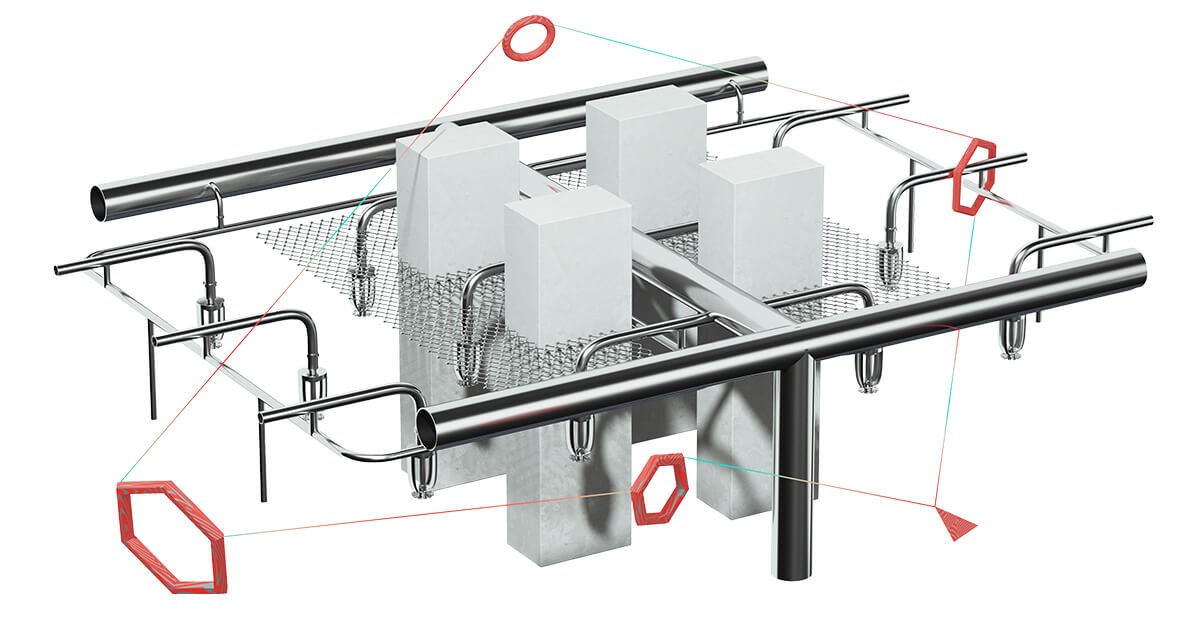
MagiCAD Sprinkler Designer
MagiCAD Sprinkler Designer is a MagiCAD add-on for Revit, AutoCAD, and BricsCAD that merges sprinkler layout with built-in hydraulic calculation so fire protection systems stay modeled and sized inside your CAD session without a separate solver.

MagiCAD Sprinkler Designer bundles the MagiCAD Piping environment with a sprinkler calculation module for Autodesk Revit, AutoCAD, and BricsCAD. You place heads, hydrants, and related fittings, then run sprinkler calculations from the same project instead of round-tripping data through another application.
The MagiCAD Group site states that MagiCAD for those CAD hosts is used by thousands of companies in over eighty countries (MagiCAD Group, 2026). Sprinkler Designer extends that stack with discipline-specific tools such as sprinkler reports, connection helpers, installation aids, and calculation standards workflows tuned per host platform.
Manufacturer-driven content matters for accurate hydraulics and ordering. MagiCAD Cloud and manufacturer product selection are positioned to supply configurable MEP BIM objects and validated product choices that feed real equipment data into designs started in MagiCAD.
Fire protection engineers, MEP designers, and BIM coordinators who already deliver piping in MagiCAD tend to pick this module when sprinkler design must align with the same model, schedules, and project standards as the rest of the building services work.
Specifications
Pricing
Platforms
Used for
Used by
Tasks
Pros and cons
Pros
- Keeps layout and calculation inside MagiCAD on the CAD host you already use.
- Covers Revit as well as AutoCAD and BricsCAD for mixed project environments.
- Connects to MagiCAD Cloud content for manufacturer-backed objects.
- Offers training and release notes through the same MagiCAD support ecosystem.
Cons
- Commercial licensing is quote-based, so you need vendor pricing for accurate budgets.
- Requires an existing MagiCAD deployment; it is not a standalone sprinkler-only product.
- Workflow depth depends on which CAD host and standards pack your office uses.
Key features
Built-in sprinkler calculation: Runs hydraulic work inside MagiCAD so you do not rely on an external calculation package for routine sprinkler sizing tasks.
Host flexibility: Ships as part of the MagiCAD stack for Revit, AutoCAD, and BricsCAD, matching teams that split work across those CAD bases.
Placement and connections: Includes workflows to position sprinkler heads and fire hydrants and to manage connections with reporting hooks for review packages.
Standards-oriented tooling: Presents calculation standards paths for Revit separately from AutoCAD and BricsCAD, reflecting different host capabilities.
Real product data: Taps MagiCAD Cloud libraries and manufacturer selection flows so configured products can carry technical attributes into the model.
Pricing
Commercial license (quote)
Contact sales
MagiCAD sells modules via quote. Confirm price, bundle, and tax with the vendor or reseller for your region.
Frequently asked questions
Is MagiCAD Sprinkler Designer free?
No. MagiCAD markets Sprinkler Designer as a paid MagiCAD module and directs buyers to request a quote. Treat any budget number as indicative until your local reseller confirms licensing and bundles.
Does MagiCAD Sprinkler Designer work with Revit?
Yes. The product page lists Revit alongside AutoCAD and BricsCAD, with Revit-specific sprinkler reports, connections, installation tools, and calculation standards.
Can I calculate sprinkler systems inside MagiCAD without separate software?
The vendor describes an intelligent built-in sprinkler calculation engine within MagiCAD so you can calculate sprinkler systems without additional third-party calculation software for that step.
What CAD platforms does MagiCAD Sprinkler Designer support?
Official material names Autodesk Revit, AutoCAD, and BricsCAD. Feature names differ slightly between Revit and the AutoCAD or BricsCAD tracks, so confirm the toolset against your chosen host before purchase.
How does MagiCAD Sprinkler Designer use MagiCAD Cloud?
MagiCAD Cloud supplies MEP BIM objects, including configurable manufacturer products, that you can pull into MagiCAD sessions so sprinkler layouts reference real catalog data instead of generic placeholders.
MagiCAD Sprinkler Designer versus a standalone fire protection package: how do I choose?
Pick MagiCAD Sprinkler Designer when your office already models MEP in MagiCAD and you want sprinkler hydraulics tied to that model and documentation path. Standalone fire protection suites may suit teams that do not use MagiCAD for piping or coordination.
Tutorials and learning
Sources
Other Calculation tools
- MIDAS GenEnterprise quote
MIDAS Gen is MIDAS IT's integrated structural analysis and design software for buildings and general structures, covering linear and
- ToolblocksFreemium
Toolblocks is a Windows desktop app for architecture, engineering, and construction work that packs over a hundred specialized calculators
- Autodesk RevitSubscription
Autodesk Revit is a BIM authoring application for Windows that produces coordinated architectural, structural, and MEP documentation from a
- Calcs.comSubscription
Calcs.com is structural engineering calculation software that provides standards-aligned calculators, transparent code references, PDF
- DiRootsOneFreemium
DiRootsOne is a bundled Autodesk Revit plugin suite that combines SheetLink, SheetGen, OneFilter, ParaManager, and other productivity tools
- ElectroBIMPaid (trial)
ElectroBIM is a Design Master Revit add-in for electrical engineers that creates one-line riser diagrams and performs voltage drop, fault
- Enji.ioFreemium
Enji.io is a cloud-first platform for structural engineering calculations that pairs a formula editor with reusable calculation libraries,
- HVAKRFreemium
HVAKR is a cloud-based HVAC design platform with a Revit extension that covers basis-of-design, space takeoffs, load calculations compliant