ElectroBIM
ElectroBIM is a Design Master Revit add-in for electrical engineers that creates one-line riser diagrams and performs voltage drop, fault current, feeder sizing, branch circuit sizing, arc-flash, and selective coordination calculations inside Autodesk Revit.

Electrical engineers working in Revit often maintain separate spreadsheets or standalone programs for one-line diagrams and distribution calculations. ElectroBIM from Design Master eliminates that parallel workflow by embedding panel schedules, feeder sizing, breaker coordination, and safety calculations directly in the Revit model. When loads or breaker settings change, connected diagrams and schedules update together (Design Master, 2026).
Core calculations include voltage drop based on wire sizes and path lengths derived from equipment locations in Revit, available fault current at each piece of distribution equipment, and arc-flash incident energy per IEEE Std 1584-2018. A time-current curves database supports selective coordination analysis, letting engineers graph multiple breaker curves to verify proper coordination (Design Master, 2026).
Customer testimonials describe design time reductions of roughly 50% compared to manual methods. McMillan Electric praised the ability to layer ElectroBIM onto existing Revit projects, and Collins Electrical Company noted it removed many intermediate steps from the design sequence (Design Master, 2026).
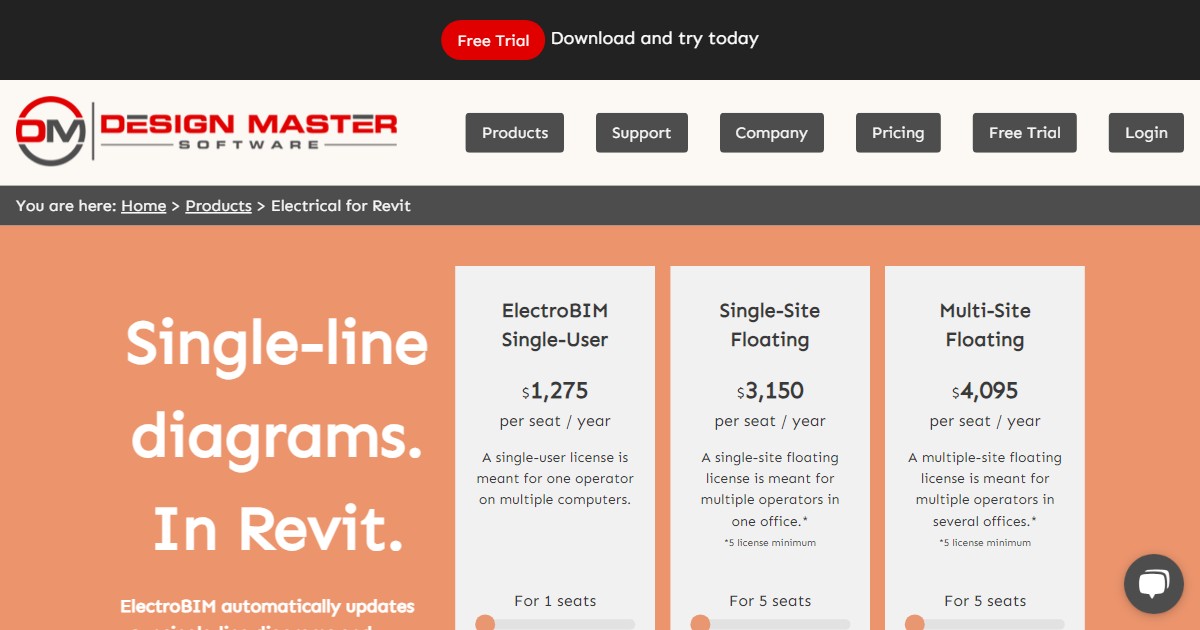
A single-user annual license costs $1,400, with floating licenses starting at $3,500 per seat per year for single-site and $4,500 for multi-site. Monthly billing is available. ElectroBIM supports Revit 2021 through 2026 on Windows, and a free 30-day trial is offered.
Specifications
Pricing
Platforms
Used for
Used by
Tasks
Pros and cons
Pros
- Keeps one-line diagrams and calculations synchronized with the Revit model, eliminating duplicate entry.
- Arc-flash calculations follow IEEE Std 1584-2018 with PPE labels and schedules.
- Customer reports suggest roughly 50% time savings over manual calculation methods.
- Free 30-day trial with full functionality.
- Supports Revit 2021 through 2026 with both annual and monthly billing.
Cons
- Floating licenses require a minimum of 5 seats, starting at $3,500 per seat per year.
- Windows-only; no macOS or web version.
- Limited compatibility mode is available for Revit 2014-2020 but without updates or support.
- Subscription must remain active for software updates and technical support.
Key features
One-line riser diagrams: Generates and updates single-line diagrams that stay synchronized with panel schedules and equipment families in Revit.
Voltage drop calculations: Computes drop using selected wire sizes and feeder or branch circuit lengths derived from Revit equipment locations.
Fault current analysis: Calculates available fault current at distribution equipment and documents AIC ratings in Revit schedules.
Arc-flash per IEEE 1584-2018: Publishes incident energy, required PPE categories, and warning labels for every panel in the project.
Feeder sizing: Automatically sizes feeders based on upstream overcurrent protection with manual override options.
Branch circuit breaker and wire sizing: Sizes breakers from connected loads and calculates wire sizes from the resulting breaker rating.
Selective coordination: Time-current curves database for graphing multiple breaker curves to verify coordination.
EVOLVE integration: Transfers conduit sizes to EVOLVE Electrical and pulls wire lengths back into ElectroBIM.
Native Revit commands: Runs inside Revit using shared parameters, so updates flow through sheets and schedules without separate export steps.
Pricing
Free Trial
30-day trial
Free
Full-functionality 30-day trial.
ElectroBIM Single-User (monthly)
per month
$140.00
Monthly billing option for the single-user license. Verify current pricing (Design Master, 2026).
ElectroBIM Single-User (annual)
per year (12 mo)
$1,400.00
One operator, multiple computers. Verify current pricing on Design Master website (Design Master, 2026).
Single-Site Floating (annual, per seat)
per year (12 mo)
$3,500.00
5-seat minimum. For multiple operators in one office. Verify current pricing (Design Master, 2026).
Multi-Site Floating (annual, per seat)
per year (12 mo)
$4,500.00
5-seat minimum. For multiple operators across several offices. Verify current pricing (Design Master, 2026).
Frequently asked questions
How much does ElectroBIM cost per year?
A single-user license is $1,400 per year (or $140 per month). Single-site floating licenses start at $3,500 per seat per year with a 5-seat minimum. Multi-site floating licenses start at $4,500 per seat per year.
Does ElectroBIM offer a free trial?
Yes. Design Master provides a free 30-day trial of ElectroBIM with full functionality. Download it from the Design Master website.
Which Revit versions does ElectroBIM support?
ElectroBIM supports Revit 2021 through Revit 2026 on its current release. Limited compatibility without updates is available for Revit MEP 2014 through Revit 2020.
Can ElectroBIM calculate arc-flash incident energy?
Yes. Arc-flash calculations follow IEEE Std 1584-2018. The tool computes incident energy at each panel, generates PPE schedules in Revit, and can print warning labels.
Does ElectroBIM create one-line diagrams automatically?
ElectroBIM generates one-line riser diagrams that update when panel connections, loads, or breaker settings change in the Revit model. Sheets always reflect the same data as the underlying schedules.
Can ElectroBIM perform selective coordination analysis?
Yes. A built-in time-current curves database lets you assign breakers and graph multiple curves on the same chart to check whether breakers are properly coordinated.
Does ElectroBIM integrate with EVOLVE Electrical?
Yes. You can transfer conduit sizes and related data to EVOLVE Electrical and pull wire lengths from EVOLVE back into ElectroBIM for calculation updates.
Tutorials and learning
Sources
Other Calculation tools
- Enji.ioFreemium
Enji.io is a cloud-first platform for structural engineering calculations that pairs a formula editor with reusable calculation libraries,
- HVAKRFreemium
HVAKR is a cloud-based HVAC design platform with a Revit extension that covers basis-of-design, space takeoffs, load calculations compliant
- LINEAR SolutionsEnterprise quote
LINEAR Solutions is a modular MEP and building-services engineering suite for Windows that embeds natively in Autodesk Revit, AutoCAD, and
- MagiCAD PipingPaid
MagiCAD Piping is an MEP BIM module for Revit, AutoCAD, and BricsCAD that provides integrated design and calculation tools for heating,
MagiCAD Sprinkler Designer is a MagiCAD add-on for Revit, AutoCAD, and BricsCAD that merges sprinkler layout with built-in hydraulic
- ToolblocksFreemium
Toolblocks is a Windows desktop app for architecture, engineering, and construction work that packs over a hundred specialized calculators
- Autodesk RevitSubscription
Autodesk Revit is a BIM authoring application for Windows that produces coordinated architectural, structural, and MEP documentation from a
- Calcs.comSubscription
Calcs.com is structural engineering calculation software that provides standards-aligned calculators, transparent code references, PDF