Finch
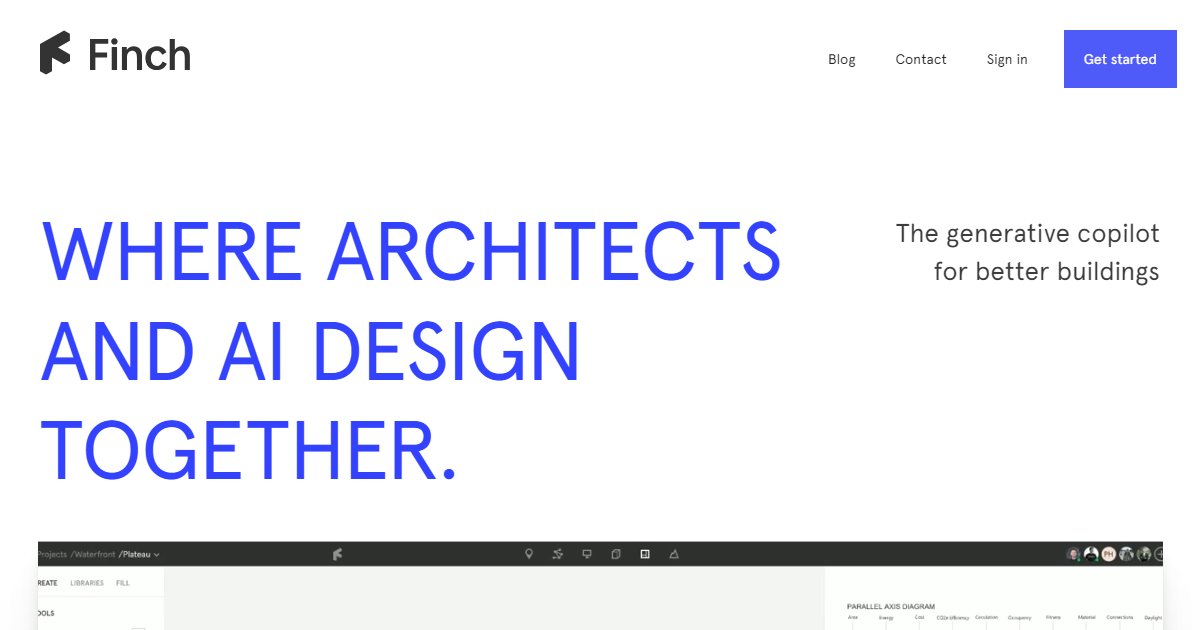
Finch is a generative design copilot for architects that pairs AI-assisted massing and unit planning with quick performance feedback, rule checks, and links into Revit, Rhino, Grasshopper, Archicad, and Autodesk Forma.

Finch targets early design where teams want many layout options without rebuilding models by hand. The product mixes AI, graph-based representations, and algorithms so you can iterate on schemes, fill stories with unit mixes, and revisit plans as requirements shift.
The public marketing site positions the tool around faster exploration, numeric feedback during optioneering, and guardrails that reference firm, client, and municipal rules so designers stay inside agreed limits (Finch marketing site, 2025). That message is aimed at practices that already mix scripting and computational methods with traditional design judgment.
Host integrations are a major part of the story. Official documentation lists Revit add-ins for recent releases, Rhino installs through the Package Manager for Rhino 7.24+ and Rhino 8, Archicad 28 and 29 add-ons marked beta for Windows and macOS, and an Autodesk Forma extension workflow that you add per project (Finch download plug-ins documentation, 2025). A web app at app.finch3d.com handles accounts and projects alongside those connectors.
Practitioners at firms such as White, Gehl, and Schmidt Hammer Lassen supply short endorsements on the homepage about early-stage and computational workflows; treat them as qualitative signals and validate fit on your own typologies (Finch marketing site, 2025).
Specifications
Pricing
Platforms
Used for
Used by
Tasks
Pros and cons
Pros
- Strong story for early-phase iteration with direct bridges into common BIM and surface modeling tools.
- Clear educational material on GitBook, including Finch 101 and explicit plug-in install steps.
- Supports both Windows-focused Revit shops and macOS Archicad teams through separate installers.
- Positions numeric feedback next to geometry so teams can discuss schemes with shared metrics.
Cons
- Public list pricing is easy to miss on the main marketing pages; confirm subscription tiers inside the app or with sales.
- Archicad support is labeled beta and requires active plan views for launch, which adds caveats for production trials.
- Autodesk App Store Revit builds can lag slightly behind direct ZIP installs, per the vendor???s own warning.
- Any generative tool still needs senior review against local codes and contract deliverables; treat outputs as proposals, not stamped documents.
Key features
Generative optioneering: Produce and compare many building schemes with support for iterating unit layouts and floor plates without restarting from scratch each time.
Quantified feedback: Read performance-style metrics during design sessions so choices are discussed with numbers attached, not only visuals.
Rule-aware checks: Encode office, client, and code-style limits so the system flags conflicts while you edit geometry.
Revit and Rhino links: Install official add-ins for Revit and Rhino, including Grasshopper-oriented workflows advertised on the homepage.
Archicad and Forma: Archicad 28 and 29 add-ons ship as beta builds; Forma users add a Finch extension from the Autodesk App Store path described in docs.
Learning path: Finch 101 on the docs site walks through projects, exports, and BIM connections for new teams.
Pricing
Subscription (verify in app)
Contact sales
No public tier table on finch3d.com at research time; confirm current plans in app.finch3d.com or with Finch sales.
Frequently asked questions
How much does Finch cost per month or per year?
Finch does not surface simple public price tables on the main marketing page reviewed for this listing. Create an account in the web app or ask the Finch team for the current subscription model, seats, and regional tax. Do not rely on forum guesses for budgeting.
Which Revit versions work with Finch?
Official docs provide installers grouped for Revit 2025 and 2026 together and Revit 2023 and 2024 together, plus manual ZIP drops per year folder. Always match the ZIP to your installed Revit year and follow the uninstall note if you migrate from very old builds.
Does Finch run inside Rhino on Mac?
Rhino installs come from Rhino???s Package Manager on supported Rhino 7.24+ and Rhino 8 builds. After install you launch Finch from the command line and sign in. If you use older Rhino 6 builds, the docs point to a separate legacy ZIP path with extra manual steps.
How does Finch connect to Autodesk Forma?
Documentation says you open a Forma project, add the Finch extension through the Autodesk App Store flow, and repeat that add for each Forma project you want to sync. Expect to accept vendor terms inside Forma before returning to design work.
Can Finch replace Revit or Archicad for construction documents?
Finch is aimed at early exploration, option synthesis, and supporting data, not at full CD production by itself. Teams still author sheets and details in their primary BIM tools and use Finch to narrow options faster upstream.
Where is Finch developed?
The marketing footer lists a Malm??, Sweden address and copyright notice for Finch. Support and business contact email addresses appear on the same page if you need regional or contractual questions answered directly.