Cityweft
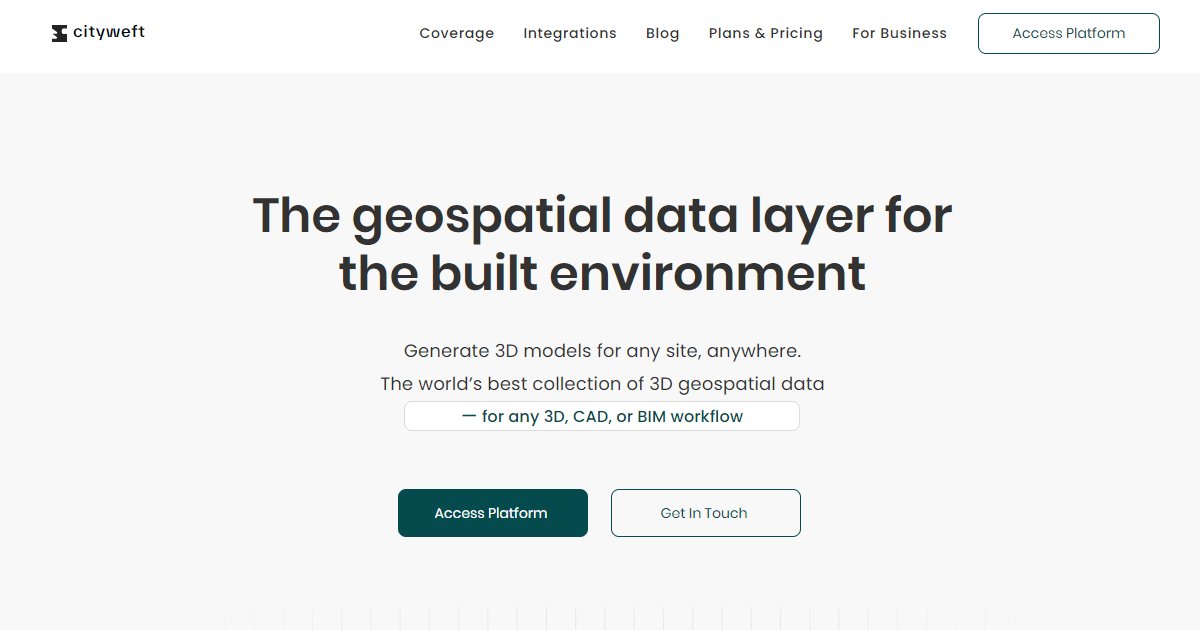
Cityweft is a geospatial 3D context platform for AEC teams that delivers meshed buildings, terrain, and textures for any site with exports and APIs that plug into Rhino, Revit, Archicad, SketchUp, and Blender workflows.

Cityweft presents itself as a global 3D data layer for the built environment, combining building meshes, topography, and surface textures so designers can start from real-world context instead of empty grids. Marketing copy claims coverage in more than 200 countries and over three billion buildings, framed as a single catalog rather than a one-off scan purchase (Cityweft, homepage).
Access paths include a browser platform for preview and export, a REST API for embedding data in other products, and desktop plugins such as the published Rhino connector. Export formats named on the homepage include 3dm, skp, glb, and dxf, signaling use alongside common modeling tools (Cityweft, homepage). The API page stresses clean REST endpoints, meshed geometry, developer support channels, and a documented collaboration with Graphisoft around contextual data for Archicad users (Cityweft, API page).
Accuracy messaging on the homepage groups topography into buckets under roughly two meters down to over fifteen meters depending on region, with pointers to a separate data-sources explainer for transparency. That tiered view matters when you decide whether a site model is good enough for massing versus detail design (Cityweft, homepage).
Commercial terms are not fully enumerated on the marketing pages reviewed here; the product routes prospects to platform login, API access requests, and contact forms. Budget Cityweft like other geodata subscriptions: confirm licensing, refresh cadence, and offline use rights before embedding the feed in a commercial SaaS offering (Cityweft, homepage and API page).
Specifications
Pricing
Platforms
Used for
Used by
Tasks
Pros and cons
Pros
- Positions a single catalog with worldwide coverage claims instead of one-off drone captures
- Offers both interactive browsing and API integration for different technical levels
- Names multiple major authoring tools in export and integration messaging
Cons
- Vertical accuracy varies by geography; teams must read the tier tables before relying on earthwork quantities
- Pricing and data refresh policies require sales conversations on reviewed pages
- Heavy city models can still stress downstream BIM files if not simplified
Key features
Global coverage claims: Public marketing cites 200+ countries and 3B+ buildings in the dataset story (Cityweft, homepage).
Multi-channel access: Web platform, API, and Rhino plugin entry points appear on navigation and landing pages (Cityweft, homepage).
Design-tool exports: Homepage lists 3dm, skp, glb, dxf, and other 3D-friendly formats for pulling context into authoring tools (Cityweft, homepage).
Developer API: API materials highlight REST access, meshed geometry, metadata, and onboarding support for software teams (Cityweft, API page).
Topography bands: Marketing groups vertical accuracy into several buckets so buyers can set expectations by region (Cityweft, homepage).
AEC partnerships: The API page references collaboration with Graphisoft on contextual data delivery for Archicad-related workflows (Cityweft, API page).
Pricing
Platform or API (quoted)
Contact sales
Public list pricing not shown on reviewed pages; contact Cityweft for platform and API fees.
Frequently asked questions
What file formats does Cityweft export?
The homepage lists exports such as 3dm, skp, glb, and dxf among other 3D formats so you can bring meshes into Rhino, SketchUp, glTF pipelines, or CAD linework. Confirm the latest format matrix on Cityweft before you lock a delivery spec.
Does Cityweft work with Revit or Archicad?
Marketing copy names Revit and Archicad among tools that can consume exported geometry. The API page also discusses a Graphisoft-related collaboration. Validate your exact version and import workflow with a trial export.
How accurate is Cityweft topography?
The public homepage groups regions into several vertical accuracy bands ranging from under about two meters to over fifteen meters. Pick the band that matches your earthwork tolerance and read the data-sources page for methodology.
Can developers embed Cityweft in a SaaS product?
Cityweft advertises a REST API with developer support and documentation on GitBook. You will still need a commercial agreement that covers redistribution, rate limits, and attribution before shipping customer-facing features.
Is Cityweft the same as a drone photogrammetry deliverable?
Cityweft markets a global dataset built from open and licensed sources rather than a bespoke aerial capture for one parcel. Use it when you need broad context fast; commission a local survey when millimeter earthwork control is required.
How much does Cityweft cost?
Marketing pages push users toward the web app, API access requests, and contact forms without publishing a full price sheet here. Ask for a written quote that covers seats, API calls, and regional coverage you need.