PlanFinder
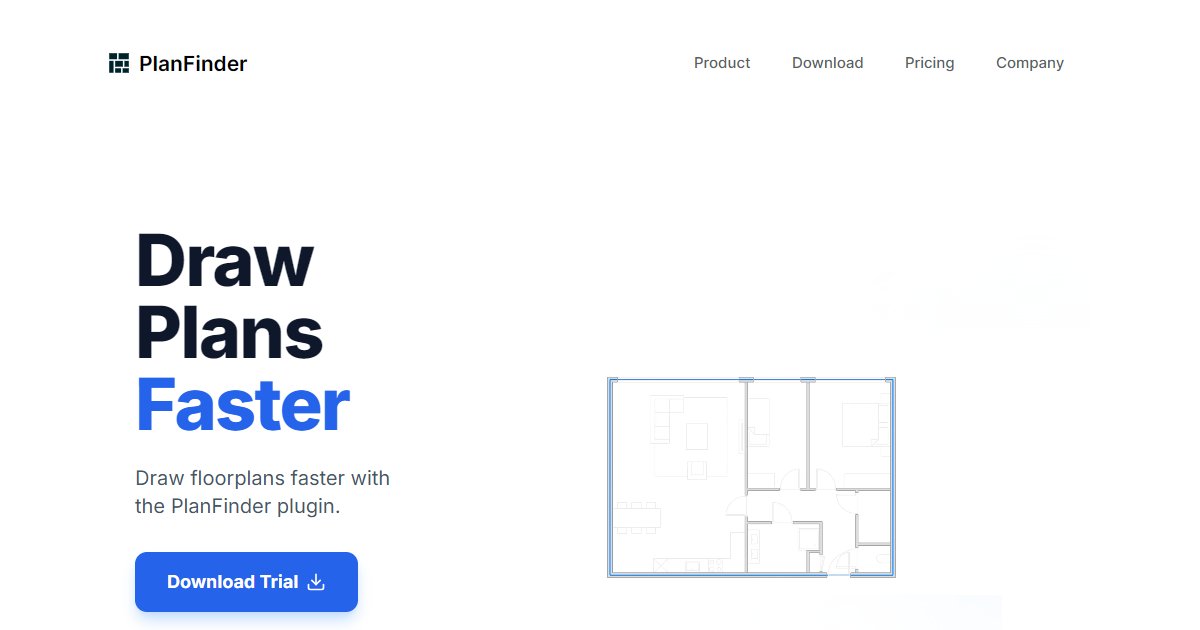
PlanFinder is generative floor-plan software for architectural workflows that offers Fit, Furnish, and Generate commands to propose, furnish, and machine-learn new plan options inside environments such as Revit and Rhino.

PlanFinder B.V., registered in the Netherlands, publishes PlanFinder as machine-learning software aimed at speeding early plan work in AEC (PlanFinder legal footer, 2025).
The Generate workflow asks architects to assign floor plan geometry, produces up to eight alternative layouts within seconds, and can send results into Revit or Rhino when accepted. Country and room-count controls tune outputs to regional plan conventions (PlanFinder product blog, 2026).
Fit matches catalog plans to new footprints, while Furnish fills layouts with furniture-style content. The technical write-up ties Generate to diffusion-style models similar to image denoising research, reflecting a data-driven approach to varied national plan styles (PlanFinder product blog, 2026).
Enterprise rollout is emphasized for Generate, so teams should expect sales conversations for production use rather than a single public self-serve price on the blog announcement alone.
Specifications
Pricing
Platforms
Used for
Used by
Tasks
Pros and cons
Pros
- Clear three-command structure: Fit, Furnish, Generate
- Addresses international plan variation through ML rather than one static rule set
- Connects to common authoring tools architects already run
Cons
- Enterprise focus for Generate may mean longer procurement than a plug-in with instant checkout
- Output quality still needs professional review against code and client brief
- Pricing is not summarized on the public Generate announcement alone
Key features
Generate: Produce up to eight floor plan options quickly from assigned geometry, with controls for country and room mix.
Fit: Pull candidate plans from a database and adapt them to a target footprint.
Furnish: Auto-furnish plans for rapid interior studies.
Revit and Rhino handoff: Add chosen options into Revit or Rhino for downstream modeling.
Machine-learning core: Vendor describes diffusion-inspired models trained on plan data for geographically aware layouts.
Pricing
Enterprise (Generate)
Contact sales
Generate rollout described as enterprise-facing on PlanFinder blog; request a quote. Verify currency and tax in your region.
Frequently asked questions
Does PlanFinder work inside Revit?
The Generate announcement states that selected options can be added to Revit or Rhino. Confirm supported Revit versions and install steps with PlanFinder before you standardize on a template.
How many plans does Generate create each run?
The vendor blog cites up to eight generated floor plans per run after you assign geometry. Expect iteration loops rather than a single automatic final permit set.
Is PlanFinder the same as automatic code checking?
No. It focuses on generating and adapting plans. Code, egress, and accessibility still belong in your normal QA process with qualified professionals.
Where is PlanFinder based?
Legal text on the site references PlanFinder B.V. registration in the Netherlands with a KVK number in the footer copy. Use official contacts for contracts and data residency questions.
Can I try PlanFinder without talking to sales?
Public pages emphasize enterprise rollout for Generate. Ask the vendor about trial terms, pilot length, and any educator or small-firm programs.