UNIFI for Revit
UNIFI for Revit is a cloud BIM content management platform that combines metadata-driven libraries with desktop add-ins so teams can search, load, and govern Revit families and related assets without relying on ad hoc folder trees.

Cloud libraries and desktop add-ins from UNIFI Labs address a common bottleneck: approved BIM content is hard to find, hard to trust, and slow to load when it lives in generic file shares. UNIFI treats Revit families and many other design file types as searchable BIM objects, exposes parameters and previews in the browser, and pairs that web layer with insert-from-cloud workflows inside authoring tools such as Revit.
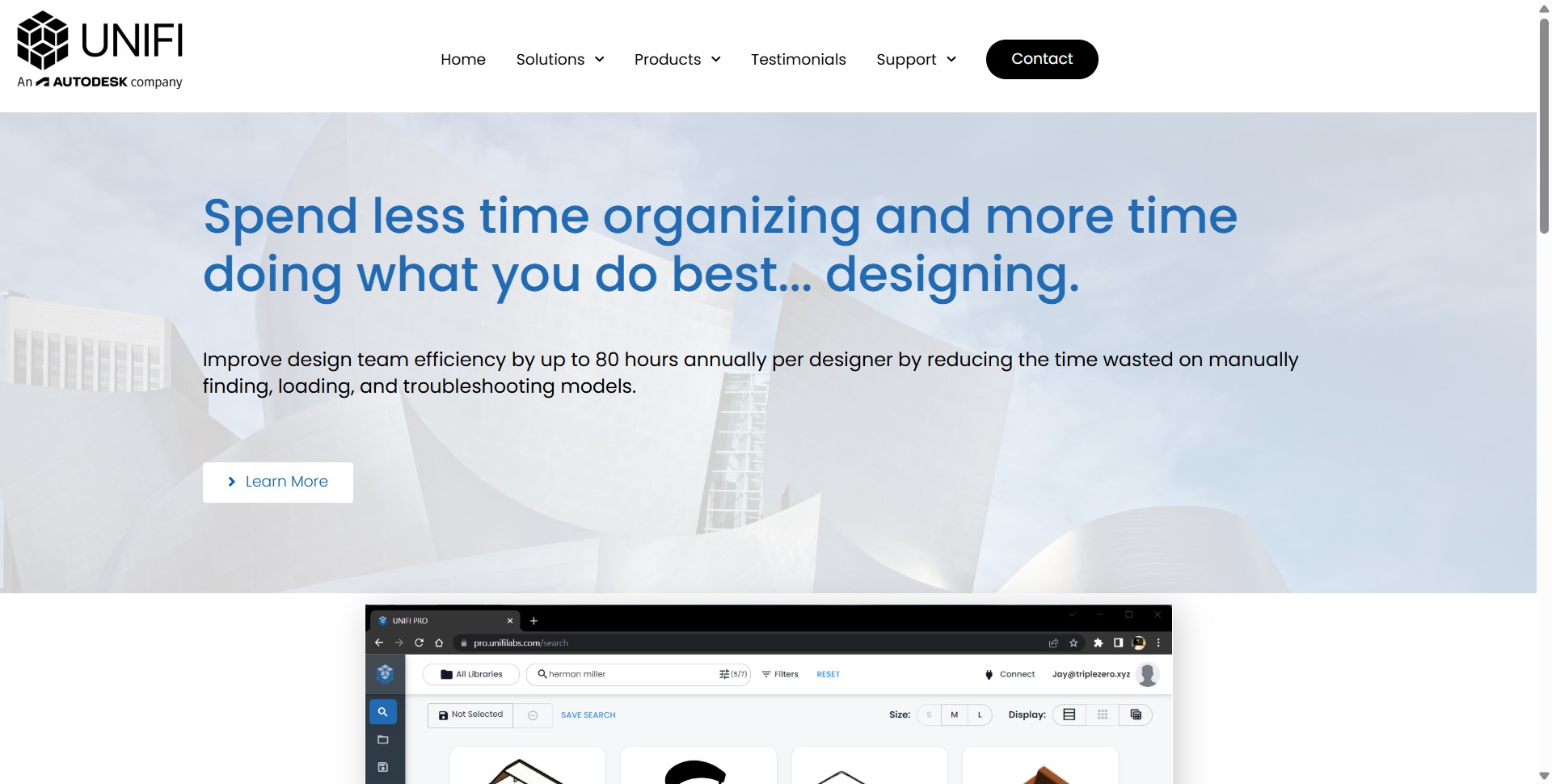
UNIFI publishes customer-reported time savings on its site, including one team that said work was 77% faster and about 2.3 hours saved per designer per week, and an overall figure of up to about 80 hours saved per designer per year on content-related tasks (UNIFI Labs, 2024). Those figures are self-reported and will vary by firm, but they frame why teams adopt a purpose-built content system instead of manual search.
The product line has moved toward Autodesk-aligned packaging under the Content Catalog story: web visibility to standard BIM content, metadata-first organization, permissions for internal and partner access, change requests, versioning with rollback, and server-side family upgrades across multiple Revit years, as described on UNIFI Labs pages. Legacy UNIFI deployments and Content Catalog rollouts can coexist during transition, so confirm what your subscription includes with UNIFI Labs or Autodesk.
Beyond Revit, UNIFI highlights add-in connectivity across common AEC applications and an API surface for automation, which helps BIM managers, architects, engineers, and downstream stakeholders who touch model data but may not open Revit every day.
Specifications
Pricing
Platforms
Used for
Used by
Tasks
Pros and cons
Pros
- Purpose-built for BIM objects rather than opaque files in generic cloud drives
- Strong fit for firms that need one governed library across offices
- Combines web governance with in-app insertion workflows
- Change-request and versioning features support standards teams
- API path for advanced automation and integrations
Cons
- Commercial pricing is not always a simple public page; expect quotes or bundles
- Autodesk Content Catalog messaging can overlap legacy UNIFI naming, so clarify entitlements
- Success depends on consistent metadata and librarian process, not software alone
- Heavy customization may need IT and BIM leadership time up front
Key features
Cloud libraries: Host Revit and other design assets with metadata instead of fragile folder naming schemes.
Revit add-in: Load approved content from the cloud directly into active projects.
Rich search: Filter by family type, category, materials, parameters, and tags before opening Revit.
Browser previews: Inspect family types, parameters, and 3D previews without a local open.
Change requests: Run an end-to-end request-and-update path for new or revised content.
Versioning: Track revisions, read change notes, and roll back when a release causes issues.
Multi-host footprint: Connect libraries to multiple authoring tools where UNIFI provides connectors.
API access: Automate library operations and pull project sync history for downstream checks.
Pricing
Commercial subscription (typical)
Contact sales
Public list pricing is often quote-based. Some Content Catalog capabilities appear in Autodesk subscription bundles; verify current terms on UNIFI Labs and Autodesk sites.
Frequently asked questions
Is UNIFI for Revit the same as Autodesk Content Catalog?
UNIFI Labs now describes Content Catalog as the forward-looking, Autodesk-aligned path for metadata-first BIM libraries, while legacy UNIFI installations may still be in migration. Read your contract and the latest UNIFI Labs or Autodesk pages to see which name and features apply to your account.
Does UNIFI replace a network drive or SharePoint?
It can replace informal shares for BIM content because it stores Revit families as structured BIM data, supports permissions, versioning, and requests, and exposes parameters in the browser. Many teams still keep non-BIM files elsewhere, so plan what belongs inside UNIFI versus a generic document system.
Which applications connect to UNIFI besides Revit?
UNIFI Labs lists add-ins for several common design tools, including AutoCAD, Civil 3D, Rhino, and Bentley workflows on its marketing pages. Confirm the current connector list for your versions before you standardize a rollout plan.
How does UNIFI handle Revit upgrades?
Marketing materials reference automatic server-side family upgrades so libraries can stay aligned across multiple Revit releases. Validate against your own families and test projects whenever Autodesk ships a new Revit version.
Can consultants or subcontractors use our UNIFI library?
The platform is built to grant granular access to external partners when your policy allows it. You still define what outsiders may see, download, or insert, which matters for IP and liability on live jobs.
Is pricing published online?
Many enterprise deals are quoted. UNIFI also discusses Content Catalog access in the context of broader Autodesk subscriptions on public pages. Treat any dollar figures as indicative and confirm with UNIFI Labs or Autodesk before budgeting.