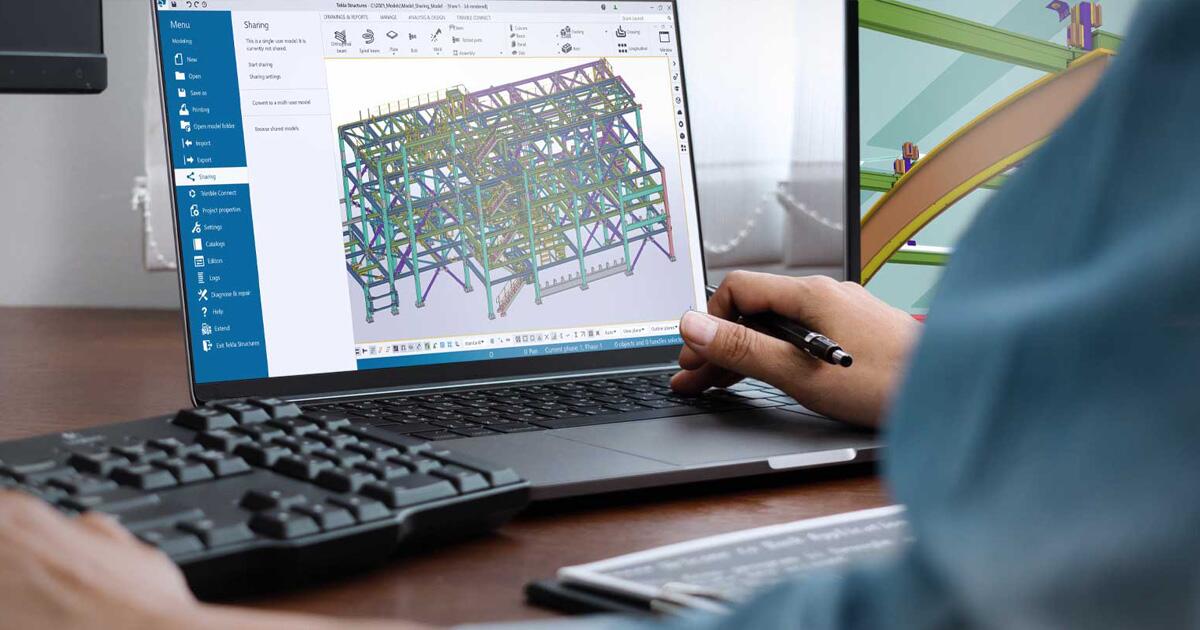
Tekla Model Sharing
Tekla Model Sharing is a Trimble Tekla cloud collaboration service for Tekla Structures that keeps each user on a local model copy while it exchanges encrypted change packets instead of full-file transfers.

Tekla Model Sharing is a collaboration service for Tekla Structures that lets distributed teams work on one shared structural model while each user keeps a local copy. Trimble describes patented synchronization that moves incremental changes rather than whole models on every save. Feature documentation states that large teams can work concurrently, including groups of more than one hundred users, without the performance limits common with older shared-file workflows (Tekla, Tekla Model Sharing features).
You use the internet mainly to publish or pull updates, so work can continue when the connection is weak or briefly unavailable. Users receive notifications when new changes exist, and history supports reviewing prior states, locks, and rollbacks where your procedures allow.
Basic permission control uses roles such as owner, editor, viewer, and project viewer. Model data is encrypted, hosted on Microsoft Azure, and administered so subcontractors can participate without VPN access to your internal network.
Trimble includes Tekla Model Sharing with Tekla Structures subscriptions and does not require extra server hardware for typical deployments. Packaging and price depend on region and contract, so confirm current terms with Trimble Tekla before you budget.
Specifications
Pricing
Platforms
Used for
Used by
Tasks
Pros and cons
Pros
- Suits distributed structural teams that already standardize on Tekla Structures
- Reduces full-model churn by sending changes instead of entire files
- Lets external partners collaborate without VPN access to your office network
Cons
- Requires Tekla Structures and a subscription arrangement that includes Model Sharing
- You still need periodic connectivity to publish and receive updates
- Focused on Tekla model collaboration rather than replacing a full common data environment
Key features
Incremental sync: Teams work on local copies while the service exchanges change packets instead of repeatedly moving the full model (Tekla).
Large concurrent teams: Documentation references concurrent work by groups of more than one hundred users on the same model when your hardware and project rules allow (Tekla).
Offline-first workflow: Modeling continues without a constant connection; you connect to share or receive updates.
Roles and permissions: Owner, editor, viewer, and project viewer roles support basic control over who can edit or read.
Azure-backed hosting: Data is encrypted and stored on Microsoft Azure with administration tools for company standards.
No extra server appliance: Trimble states that typical use does not require customers to install separate collaboration servers.
Pricing
Included with Tekla Structures subscription
Contact sales
Trimble states Model Sharing is included with Tekla Structures subscriptions; Tekla Structures itself is a paid product. Confirm regional pricing and bundle rules on trimble.com/tekla.
Frequently asked questions
What is Tekla Model Sharing used for?
It lets multiple Tekla Structures users work on one project model through shared, synchronized local copies instead of passing whole files around. Trimble markets it for structural and detailing teams that need secure collaboration across offices and partners.
Does Tekla Model Sharing work offline?
Yes. Teams model locally and connect mainly to send or receive incremental updates. That pattern targets sites with slow or intermittent internet because you are not forced to stay online for every modeling action.
Is Tekla Model Sharing included with Tekla Structures?
Trimble states that Tekla Model Sharing is included in Tekla Structures subscriptions and does not require additional software or hardware for standard use. Confirm current subscription bundles and regional terms with Trimble Tekla.
How does Tekla Model Sharing keep data secure for third parties?
Data is encrypted, hosted on Microsoft Azure, and accessed through managed roles so subcontractors can work without joining your corporate LAN. Administrators control project membership and permissions according to your standards.
How many people can work on one Tekla Model Sharing project?
Tekla documentation describes concurrent work by large teams, including more than one hundred users on the same model, subject to hardware and project constraints. Treat that as indicative and validate performance for your own models and IT limits.
What roles exist in Tekla Model Sharing?
Feature pages list owner, editor, viewer, and project viewer roles for basic permission control. Exact capabilities depend on your Tekla version and company policies, so verify details in current Tekla help for your release.