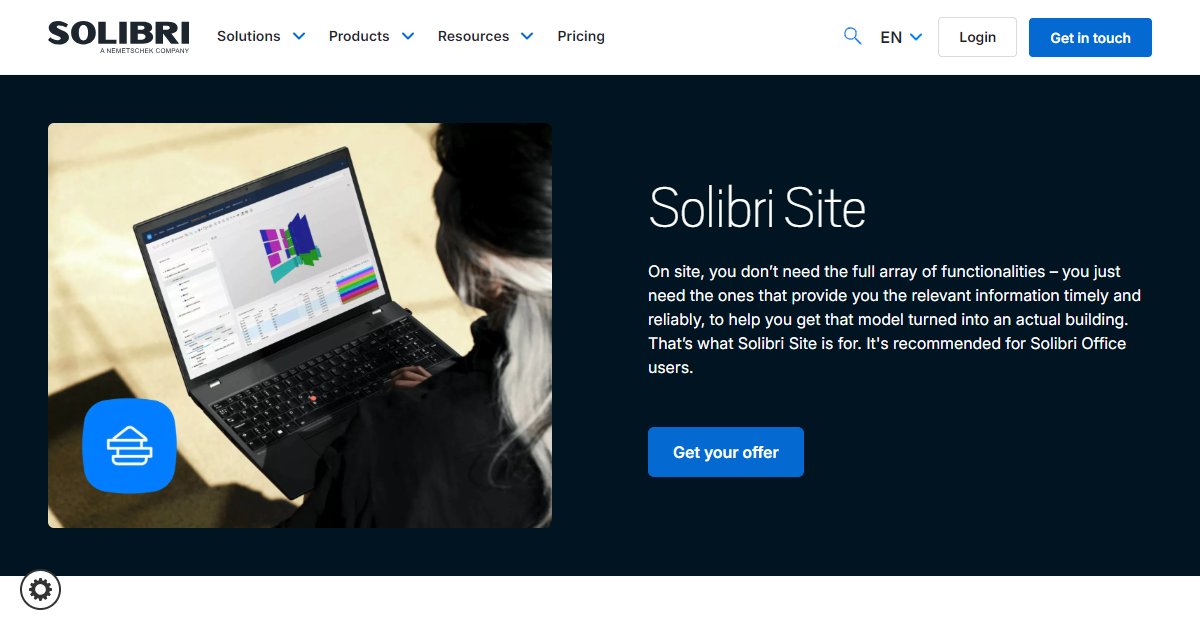
Solibri Site
Solibri Site is a field-oriented Solibri client for viewing and commenting on BIM models on location, with on-model quantity takeoff, tagging, and classification workflows aimed at crews who need timely model data without the full Solibri Office rule set.

Solibri Site is marketed as the lighter companion for construction sites when the full Solibri Office capability stack would be more than field roles need day to day (Solibri, 2025). The product page argues that superintendents and trade leads mainly need reliable access to the right slices of model information at the right time so digital plans translate into built work with fewer misunderstandings.
Communication features include viewing models on-site, adding comments, and coordinating with designers and BIM managers from the same federated context teams already use in the office (Solibri, 2025). That positioning assumes IFC or project workflows already managed upstream in Solibri Office or compatible environments.
Takeoff-oriented messaging highlights flexible information takeoffs pulled straight from the model during site walks, paired with classification through tags and labels so crews can focus on zones or systems that matter for installation sequencing (Solibri, 2025). The vendor recommends pairing Site with Solibri Office for organizations that want aligned tooling between office checking and field consumption.
Commercial access is quote-driven: the page routes readers to an offer or contact path rather than advertising a universal public price (Solibri, 2025). Validate device requirements, offline allowances, and license bundles with Solibri before you deploy to field hardware.
Specifications
Pricing
Platforms
Used for
Used by
Tasks
Pros and cons
Pros
- Keeps field staff inside model-based workflows instead of paper-only markups when paired with disciplined BIM delivery.
- Emphasizes takeoff and labeling that map to installation and procurement questions common on site.
- Clear positioning as a companion product avoids forcing full Office licensing on every tablet or laptop.
Cons
- Not a substitute for full rule-based checking; office teams still need Solibri Office or equivalent upstream validation.
- Pricing and bundles are not spelled out as a simple list on the page summarized here.
- Hardware and connectivity constraints on job sites still affect how often teams can rely on live models.
Key features
Field viewing and comments: View federated models on location and annotate issues for upstream coordination.
Model-based takeoff: Promotes quantity and data extraction during site work instead of only static drawings.
Classification on the go: Tag, label, and structure elements to highlight scopes or quality checks tied to trades.
Office alignment: Public copy recommends use alongside Solibri Office for consistent workflows.
Offer-based licensing: Marketing points to contacting Solibri for packaging rather than self-checkout pricing.
Pricing
Commercial (vendor quoted)
Contact sales
Obtain current pricing through Solibri sales or Solibri Center; public list pricing was not shown inline on the Site marketing page summarized here.
Frequently asked questions
Do I need Solibri Office to use Solibri Site?
The vendor recommends Solibri Site for organizations that already use Solibri Office so workflows stay consistent between office checking and field consumption (Solibri, 2025). Ask Solibri whether mixed licensing with other coordination tools is supported for your program.
Can Solibri Site run quantity takeoff?
Marketing copy describes flexible information takeoffs pulled from the model during on-site work (Solibri, 2025). Confirm measurement methods, rounding rules, and export formats with your implementation team before you rely on outputs for procurement.
Is Solibri Site meant for tablets or laptops?
The page does not list detailed device matrices in the excerpt reviewed here; Solibri publishes system guidance elsewhere (Solibri, 2025). Check OS builds, graphics requirements, and rugged hardware approvals before you standardize kits.
How does commenting in Site reach the design team?
The product story centers on viewing and commenting on models to improve communication with designers and BIM managers (Solibri, 2025). Map comment workflows to your BCF or project standards during configuration.
Where can I get pricing for Solibri Site?
The Site page links to offer and contact flows rather than a public price list in the material summarized here (Solibri, 2025). Request a written quote that covers how many field seats you need and how they relate to Office licenses.
What is the difference between Solibri Site and Solibri Anywhere?
Site targets active construction teams who need model access, takeoff, and structured labeling in the field, while Anywhere is positioned as a free viewer for broader read-only access (Solibri, 2025). Choose based on whether you need field workflows versus lightweight viewing.