PlanRadar
Pricing. You can try it free before you buy. Paid plans start at $35 a month, and some plans are tailored to your team. Reach out to the vendor for a quote. See full pricing · Updated October 14, 2026
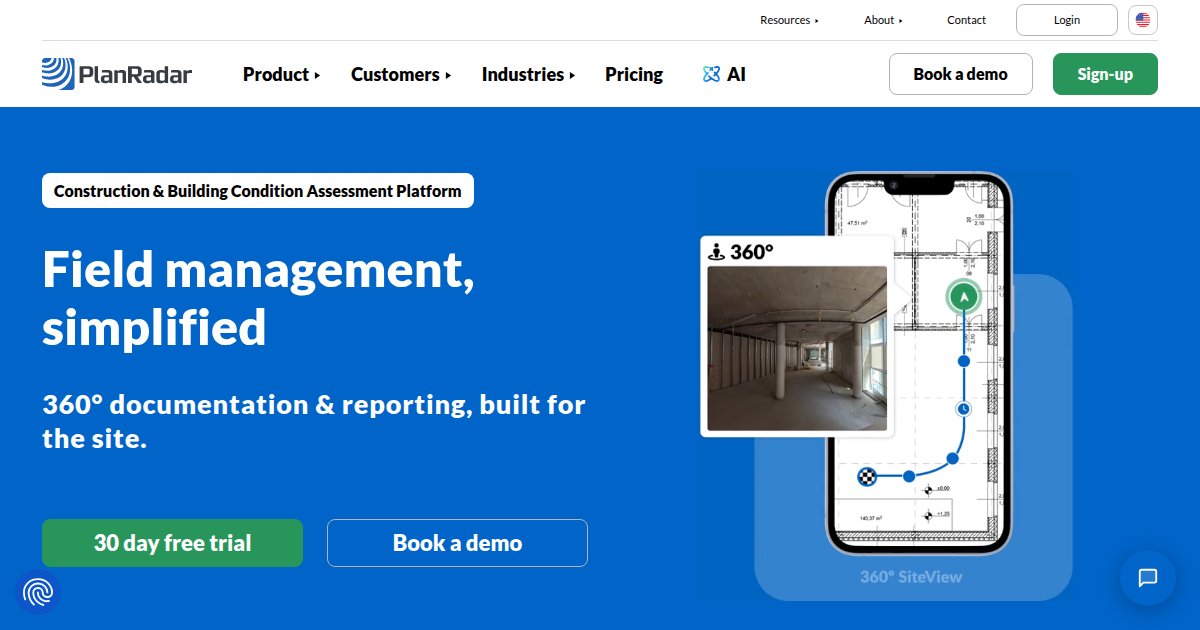
PlanRadar is field and facility software that pins tickets, inspections, and reports to drawings or IFC models, on the web and on iOS and Android, including when the site is offline.

A punch list that lives in a group chat is hard to defend later. PlanRadar keeps tickets, photos, and checklists on the drawing or the model, in a browser and on iOS and Android, including when the site has no signal. Changes sit on the device until the phone is online again, then they sync to the rest of the project.
The day-to-day work is defects, inspections, daily logs, fire and life safety rounds, and facility work orders. Forms can branch with conditional fields, and Pro and Enterprise add a template builder plus approval routes for RFIs, submittals, and change orders. Subcontractors and watchers are free on every paid package, so the license count is the core team, not every trade on the job.
Models arrive as IFC. The help center lists IFC 2x3, IFC 4, and IFC 4.3, and one model can hold up to 10 IFC files when they share a coordinate base. A Revit plugin uploads the open model as IFC, and a project can sync tickets both ways with BIMcollab, including the viewpoint and a snapshot.
The US site speaks to site and project managers, architects, property and facility managers, owners, and engineers. PlanRadar reports more than 200,000 users in more than 75 countries, and the pricing page states GDPR compliance plus ISO 27001 certification on every plan. A 30-day trial needs no credit card, while SiteView, the 360 capture add-on, is quoted by a representative.
Specifications
Pricing
Platforms
Used for
Used by
Tasks
Pros and cons
Pros
- US list prices are published: Basic $35 or $32 per user per month, Starter $119 or $107, Pro $179 or $159, depending on monthly or annual billing.
- Subcontractors and watchers are free, and the 30-day trial does not ask for a card.
- IFC 2x3, IFC 4, and IFC 4.3 are documented, with a Revit plugin and two-way BIMcollab sync.
Cons
- The BIM viewer is only on Pro and Enterprise. Basic and Starter stop at 2D plans.
- Enterprise, and the SiteView add-on, are quotes. An innovation fee of 4% of the annual fee starts in the second billing period.
- BIM models are not versioned. A newer IFC file replaces the previous one.
Key features
Tickets on plans: Defects, inspections, daily logs, and work orders sit on a drawing. The mobile apps store edits offline and sync when the device is online again.
Basic: Max 1 user, 10 digital plans, basic report templates, email support within 72 working hours. No BIM viewer. Unlimited projects, exports, and ticket storage on every plan.
Starter: Up to 10 users, 30 digital plans per user, email support within 48 working hours. SiteView can be added. Still no BIM viewer.
Pro: Up to 10 users, 100 digital plans per user, 1 BIM model per user. Adds the BIM viewer, AI assistant, Gantt scheduling, approval workflows, custom report builder, project reports, basic document management, and PlanRadar Connect plus the Open API. Email support within 24 working hours.
Enterprise: Quote only. Unlimited digital plans and unlimited BIM models, unlimited document management with versioning, user metrics, and single sign-on on request. Email support within 6 working hours.
IFC and Revit: IFC 2x3, IFC 4, and IFC 4.3. Up to 10 IFC files in one model. The Revit plugin uploads the open model as IFC. Models are replaced, not versioned. BIM viewer also runs on iOS and Android, with an augmented-reality overlay.
BIMcollab: A project can link to one BIMcollab project and one BIM model so tickets sync both ways, including position, viewpoint, and snapshot.
SiteView: 360 documentation add-on. The pricing table says to ask a representative. Listed from Starter upward, not on Basic.
Free seats: Subcontractors and watchers are unlimited on every package. Self-service checkout covers at most 10 licenses.
Pricing
30-day trial
30-day trial
Free
30 days, no credit card, from the US pricing FAQ. Subcontractors can be invited. If you do not subscribe, project data can still be downloaded and the account expires.
Enterprise
Contact sales
Contact sales. Unlimited digital plans and unlimited BIM models. Single sign-on on request. Not a $0 product.
SiteView add-on
Contact sales
360 capture add-on. The pricing table says to speak with a representative. Shown as available from Starter upward, not on Basic. No public price.
Basic (monthly)
per month
$35.00
USD $35 per user per month, monthly billing. Max 1 user, 10 digital plans, no BIM viewer. See the vendor pricing page for offer details at checkout.
Starter (monthly)
per month
$119.00
USD $119 per user per month, monthly billing. Up to 10 users, 30 digital plans per user, no BIM viewer.
Pro (monthly)
per month
$179.00
USD $179 per user per month, monthly billing. Up to 10 users, 100 plans per user, 1 BIM model per user.
Basic (annual billing)
per year
$384.00
Shown as $32 per user per month when billed annually, which is $384 per user per year. Max 1 user. A 4% innovation fee on the annual fee starts with the second billing period.
Starter (annual billing)
per year
$1,284.00
Shown as $107 per user per month when billed annually, which is $1,284 per user per year. Up to 10 users.
Pro (annual billing)
per year
$1,908.00
Shown as $159 per user per month when billed annually, which is $1,908 per user per year. Up to 10 users, 1 BIM model per user.
Prices come from each vendor’s public listings and can change. Double-check the current price on the vendor site before you buy.
Frequently asked questions
How much does PlanRadar cost?
On the US pricing page as of 1 Oct 2026, Basic is $35 per user per month billed monthly, or $32 per user per month when billed annually ($384 a year). Starter is $119 or $107 per user per month ($1,284 a year on annual billing). Pro is $179 or $159 per user per month ($1,908 a year on annual billing). Enterprise is a quote. A 4% innovation fee on the annual fee starts with the second billing period. Prices are US dollars.
Does PlanRadar have a free trial?
Yes. The US pricing page offers a 30-day trial and says no credit card is required. You can invite subcontractors during the trial. If you do not buy a package, the FAQ says you can still download project data, and the account expires with nothing to pay. There is no ongoing free plan for the core user. Subcontractors and watchers stay free once you subscribe.
Does PlanRadar work on iPhone, Android, and Mac?
The help center says the BIM viewer runs on iOS, Android, and the web app, and the apps store tickets offline until the device is online. The US pricing page describes ongoing updates to the web and mobile applications. It does not list a separate macOS desktop installer. A phone or tablet is enough for field capture, and the browser covers the office.
Does PlanRadar support IFC and Revit?
Yes for IFC. The help center lists IFC 2x3, IFC 4, and IFC 4.3, recommends IFC 4, and allows up to 10 IFC files in one model. The BIM viewer is only on Pro (1 model per user) and Enterprise (unlimited models). A Revit plugin uploads the model you have open as an IFC file. It does not keep a native RVT file in PlanRadar, and models are replaced rather than versioned.
How does PlanRadar compare with coordinating issues in BIMcollab?
PlanRadar is the field system: tickets, photos, and checklists on drawings or models, including offline. BIMcollab is a separate issue tracker that PlanRadar can connect to. One PlanRadar project links to one BIMcollab project and one BIM model, and tickets sync both ways with position, viewpoint, and snapshot. You still need a Pro or Enterprise plan for the BIM viewer inside PlanRadar.
Who is PlanRadar for?
The US site names site and project managers, architects, property and facility managers, owners and developers, and engineers. Typical jobs on the homepage are punch lists, inspections, fire and life safety, handovers, and facility work orders. PlanRadar reports more than 200,000 users in more than 75 countries. Self-service buying stops at 10 licenses, so larger teams go through sales.
Tutorials and learning
Sources
Other Field & Mobile tools
- PLOTFreemium
PLOT is construction logistics software that unifies procurement schedules, delivery booking, and site gate rules so general contractors and
- PolycamFreemium
Polycam is a mobile and web reality-capture platform that turns LiDAR room scans, photogrammetry, drone footage, and 360 photos into
PortalCam by XGRIDS is a handheld spatial camera for rapid 3D reconstruction and Gaussian-splat style scene capture that targets survey,
- ProcoreEnterprise quote
Procore is cloud-based construction management software that ties together field and office teams with unlimited users per account,
- Project Execution by ProcoreEnterprise quote
Project Execution by Procore is a cloud construction management suite that connects office and field teams so schedule, cost, and
- PropellerPaid (trial)
Propeller is a cloud worksite intelligence platform that stitches drone photogrammetry, GNSS and conventional survey inputs, CAD and BIM
- ProvizualPaid (trial)
Provizual is a construction inspection coordination application that ingests municipal inspection feeds, Procore inspections, field reports,
- Q-BotEnterprise quote
Q-Bot is a UK underfloor insulation system that can be installed robotically beneath suspended timber floors so homeowners cut heat loss and