Bento by EvolveLAB
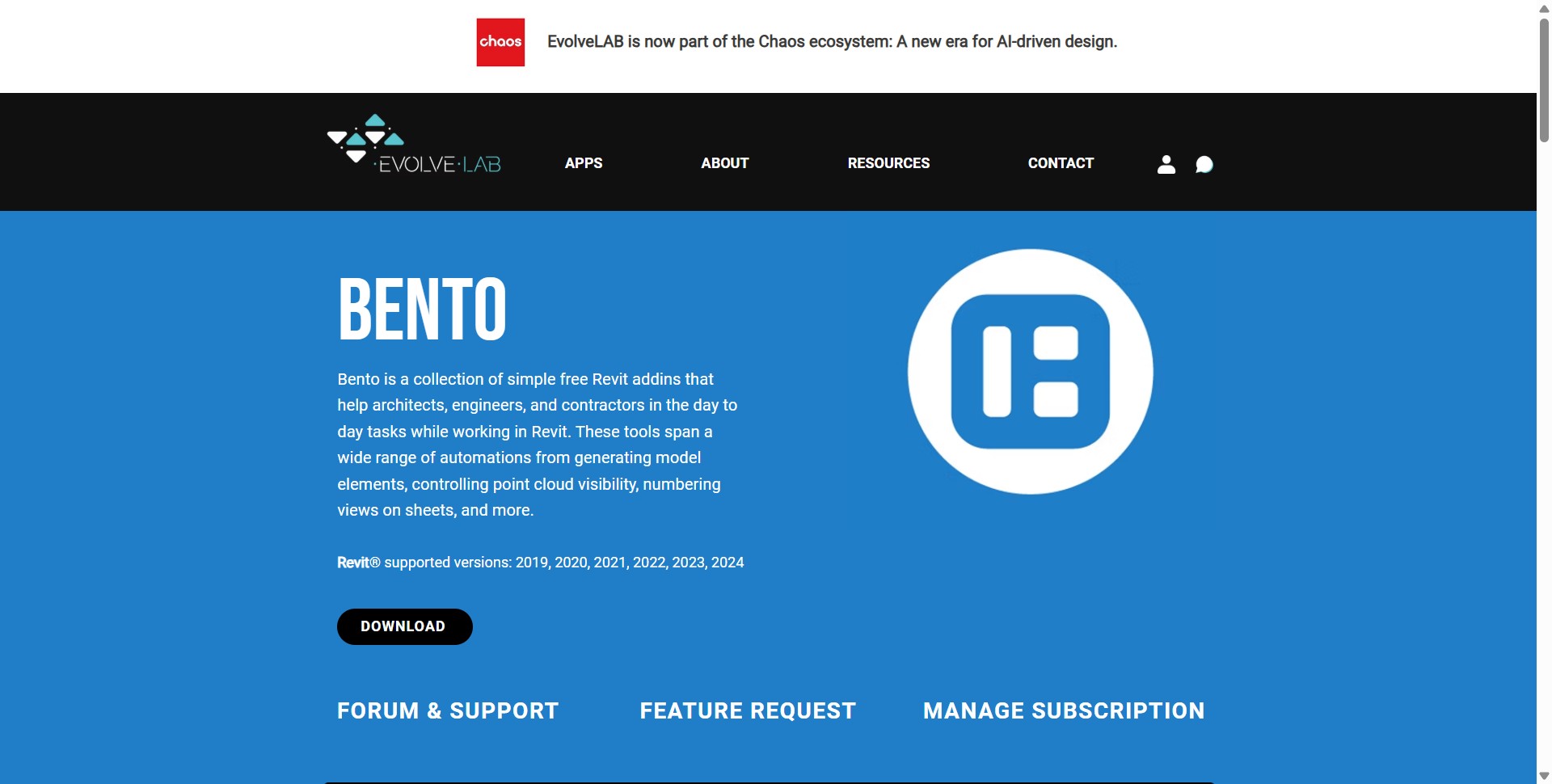
Bento by EvolveLAB is a free collection of Revit add-ins for Windows that bundles practical helpers such as view renumbering, point cloud visibility toggles, multi-view opening, ceiling generation, and a model size checker for everyday production work.

Bento is not a distant cloud configurator; it is an installer-based bundle of small Revit tools aimed at architects, engineers, and contractors who want faster clicks inside the model. EvolveLAB publishes a single MSI download, forum links, and a licensing portal entry point on the same page, and it lists supported Revit builds from 2019 through 2024 on its marketing site (EvolveLAB, 2026).
Individual utilities target recurring annoyances. Examples called out on the vendor page include renumbering view detail numbers with fewer manual edits, a ribbon or shortcut to hide point clouds while tracing scan data, generating ceilings across selected rooms with a searchable room list for Revit 2022 and newer, opening many views at once with optional tiling and grouping, and a model size checker that reads local or cloud workshared file sizes without digging through folders.
Because the suite is free, it lowers the barrier for small teams that cannot fund custom Dynamo scripts for every housekeeping task. The tradeoff is that you adopt a third-party add-in pack, so you should align installs with the Revit add-in policy at your firm, test upgrades on a pilot project, and track EvolveLAB release notes when Autodesk ships a new Revit version.
Support is community and vendor mediated through EvolveLAB forums and support links rather than Autodesk directly. Treat Bento as productivity glue around native Revit: helpful for repetitive UI work, but still subject to the same model hygiene and standards your BIM lead defines.
Specifications
Pricing
Platforms
Used for
Used by
Tasks
Pros and cons
Pros
- No license fee for the published Bento bundle on the EvolveLAB site
- Addresses many small Revit friction points in one installer
- Forum and vendor support links are easy to find from the download page
- Supports a wide span of Revit years for mixed offices
Cons
- Third-party add-ins require IT approval and upgrade testing like any plugin
- Feature mix changes; read release notes when Revit updates
- Not a full standards or template management platform on its own
- Windows MSI implies a desktop-only workflow tied to Revit for Windows
Key features
View renumbering: Adjust sheet view numbering patterns without tedious manual edits.
Point cloud toggle: Flip point cloud visibility while tracing scans to linework.
Ceiling generator: Create ceilings across chosen rooms using a searchable room list where supported.
Batch view open: Open many project browser views together with optional tiling.
Model size checker: Read file size for local or cloud-hosted models from inside Revit.
Ongoing tool drops: EvolveLAB advertises new mini tools over time inside the same bundle.
Pricing
Bento bundle
per year
Free
EvolveLAB lists Bento as free on its download page; verify before install in case commercial terms change.
Frequently asked questions
Is Bento by EvolveLAB free?
EvolveLAB markets Bento as a collection of free Revit add-ins with a public MSI download on its site. You still need a supported Revit install and should follow third-party plugin rules at your organization.
Which Revit versions work with Bento?
The vendor page lists Revit 2019 through 2024 compatibility. Some tools, such as ceiling generation, only activate on newer Revit builds noted on that page. Confirm after each Revit update.
Does Bento run on Revit for Mac?
Distribution is a Windows MSI, which matches the common Revit-on-Windows deployment. If your workflow is Mac-only Revit, check EvolveLAB forums or support before assuming compatibility.
How is Bento different from Veras or other EvolveLAB products?
Bento is a bundle of small Revit utilities for modeling hygiene. Veras is the EvolveLAB AI visualization product sold through separate licensing channels. They solve different problems and ship on different lifecycles.
Where do I get help if a tool breaks after a Revit upgrade?
Start with EvolveLAB forum and support links on the Bento page. Autodesk support does not cover third-party add-ins, so keep a test project to verify each Revit hotfix.
Does Bento replace Dynamo or pyRevit?
It overlaps only where a built-in mini tool matches your need. Teams that already script repetitive tasks may still prefer code-based automation for complex logic. Bento targets quick UI wins without writing scripts.